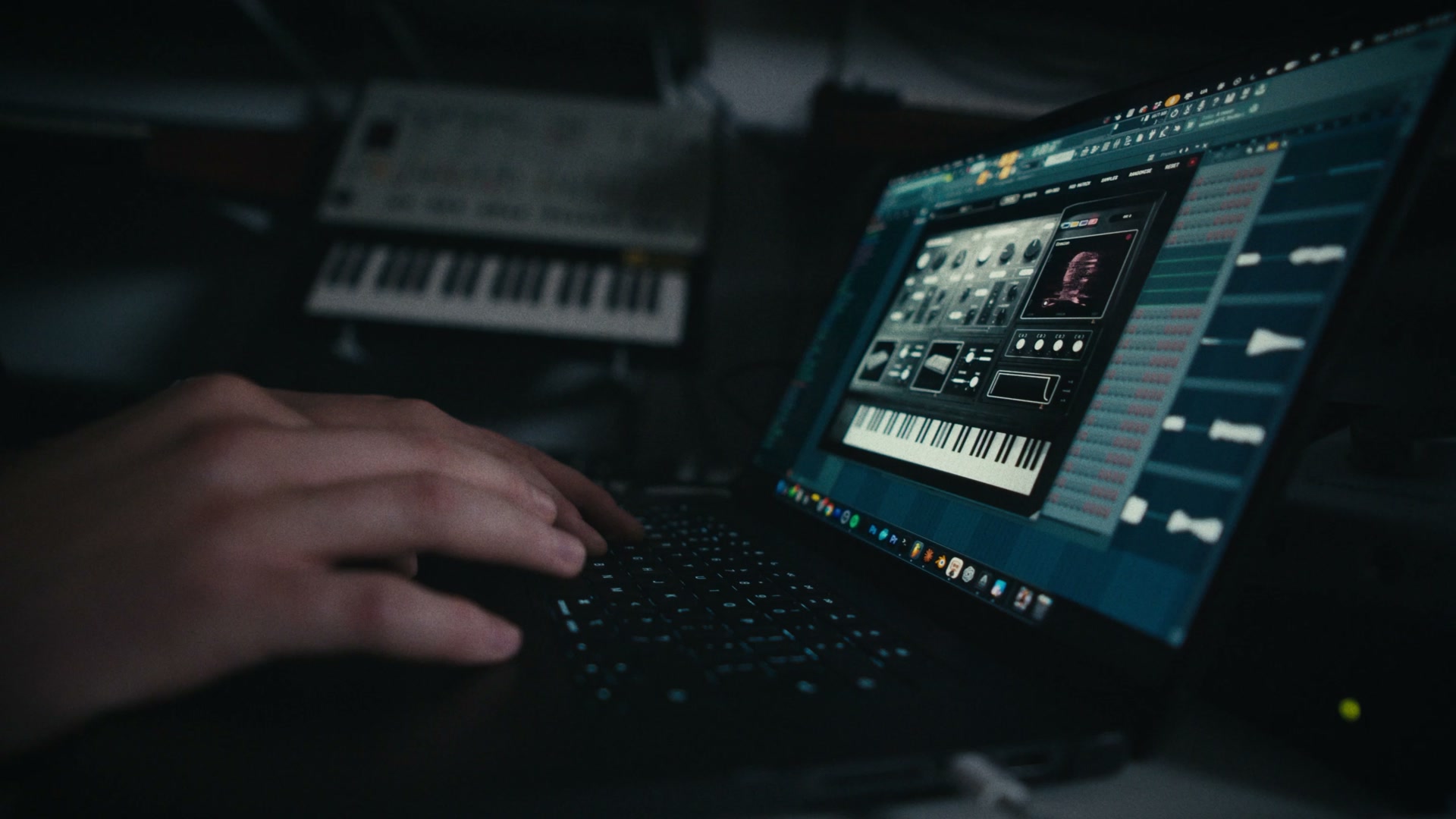
The walkthrough
Plugin walkthrough
Real hardware sounds in your DAW. Blend two synths, build patterns and add effects.
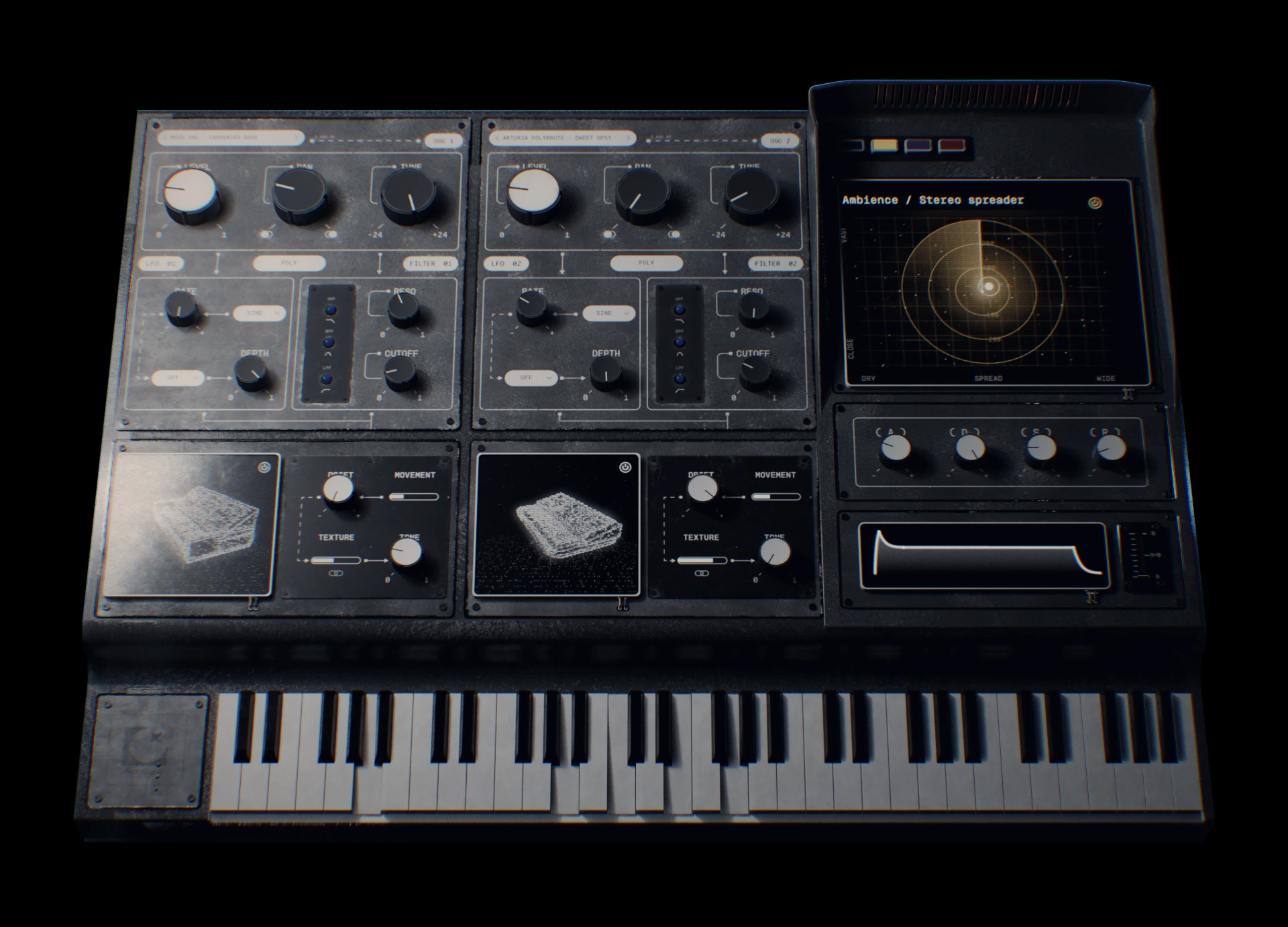
Advanced Sound Engine Instrument - Powered by Real Analog Synths
The walkthrough
Real hardware sounds in your DAW. Blend two synths, build patterns and add effects.
The trailer
A first look at the sound, movement and character of Archetone.
What's inside
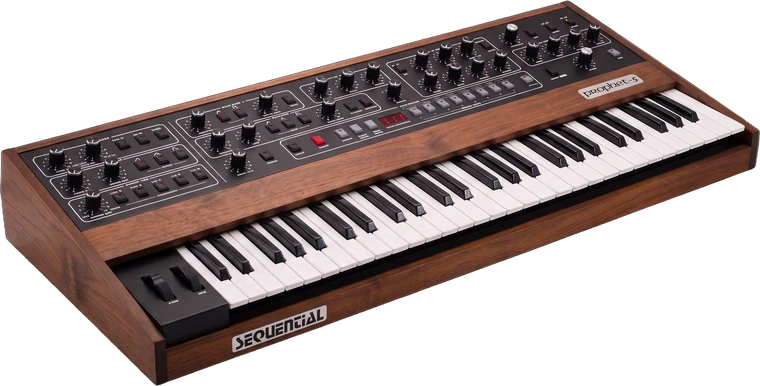
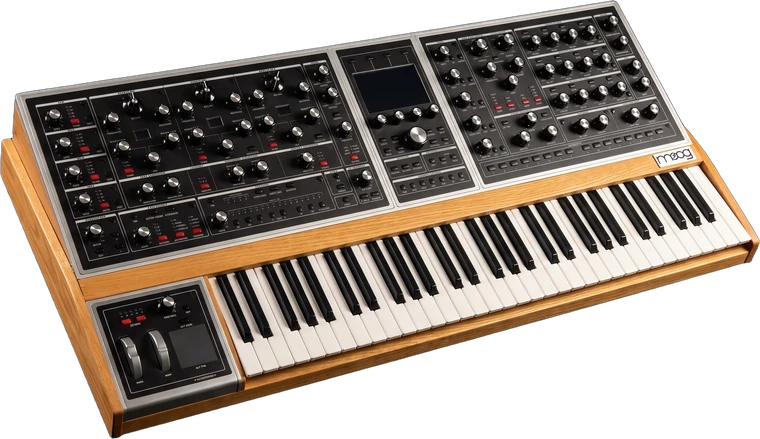
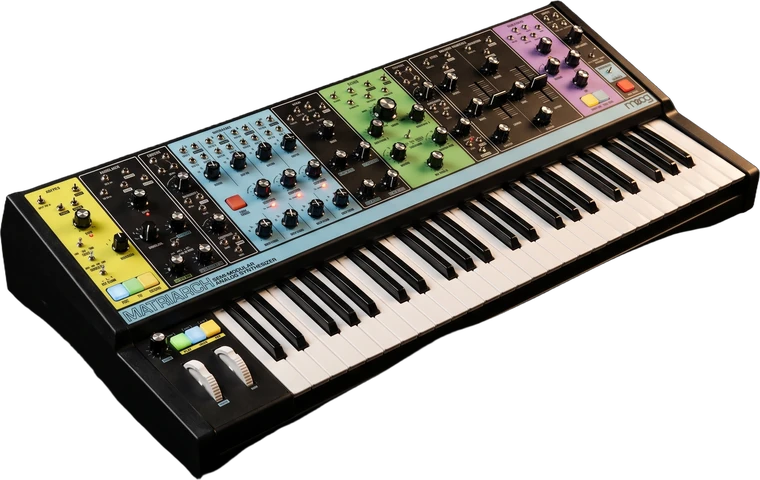
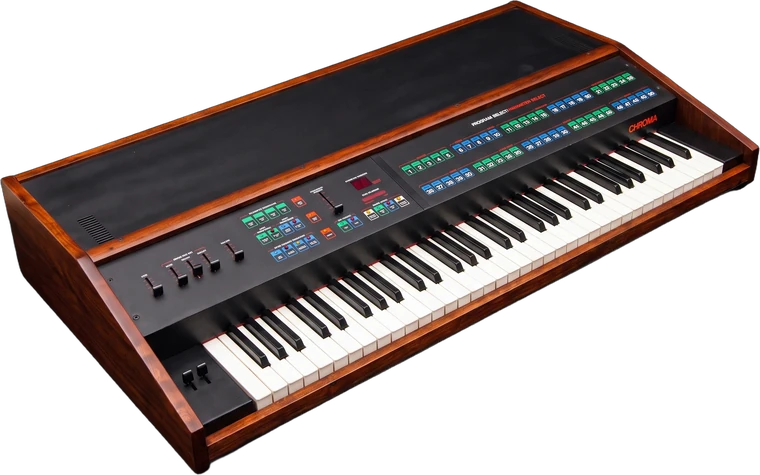
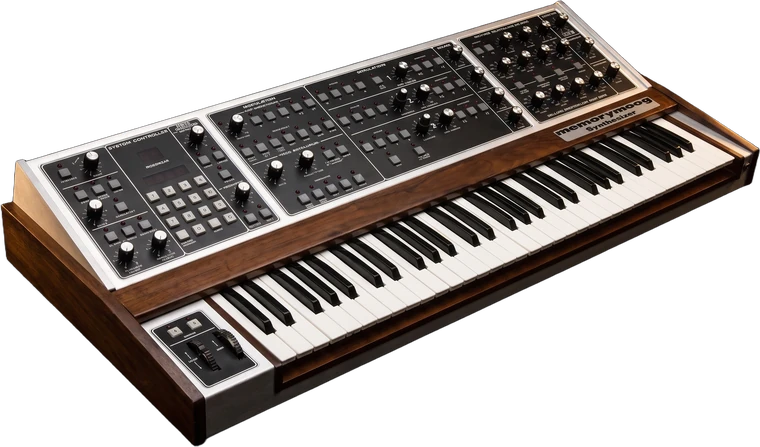
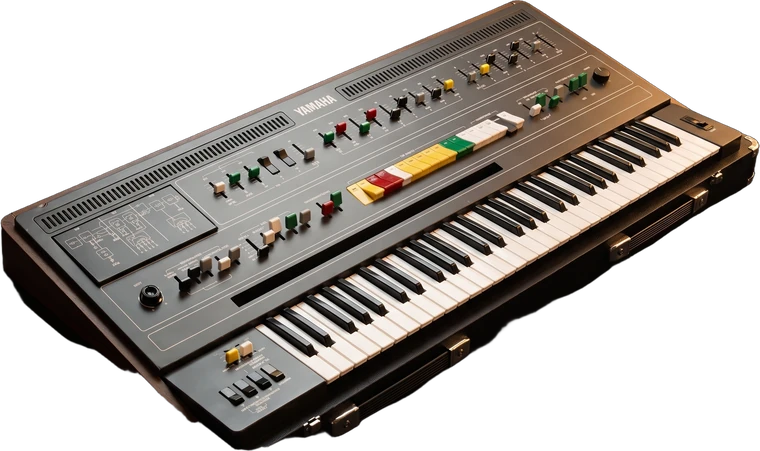
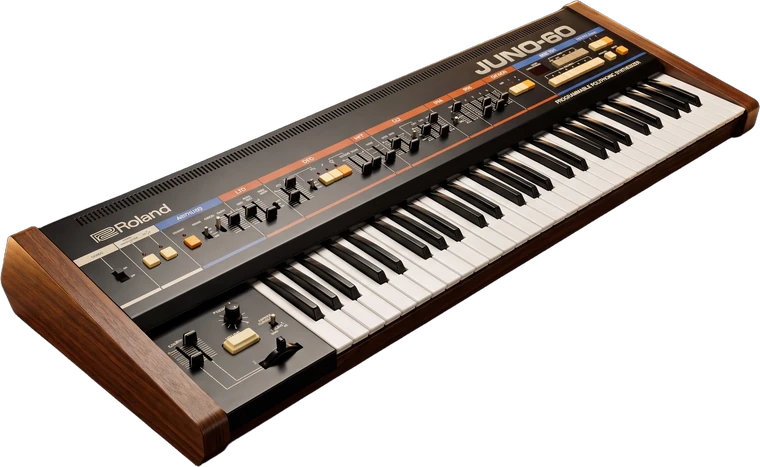
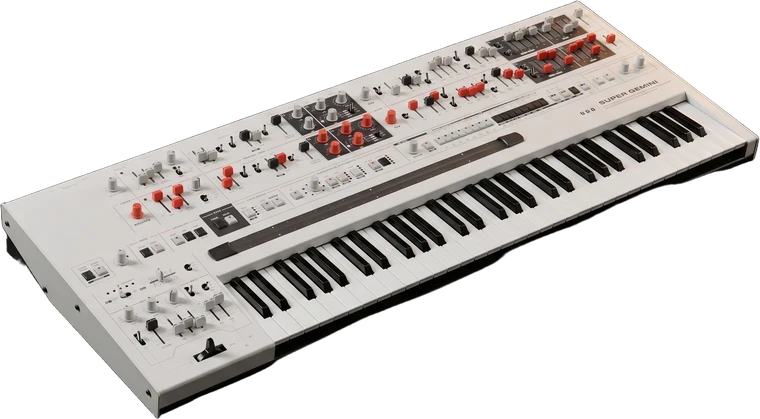
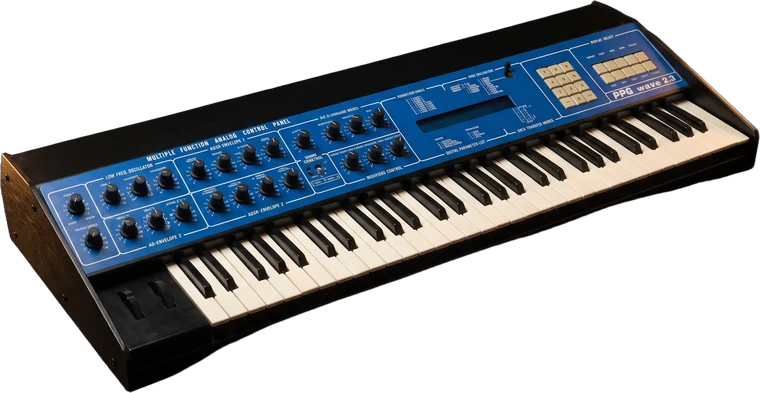
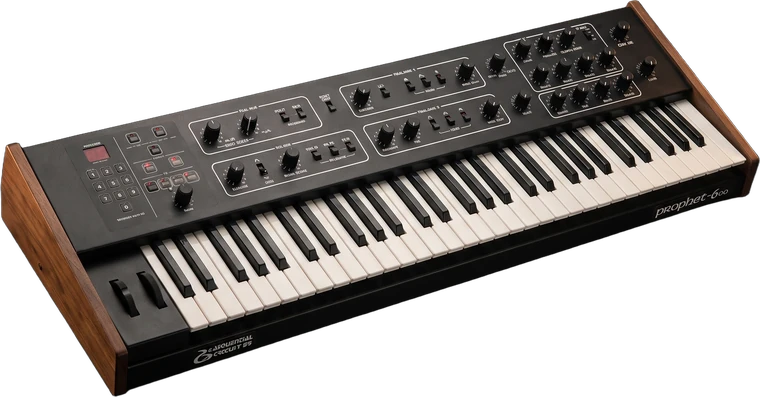
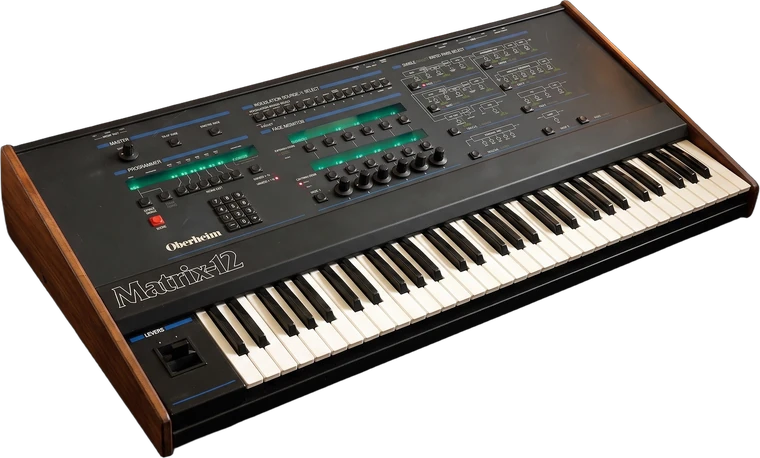
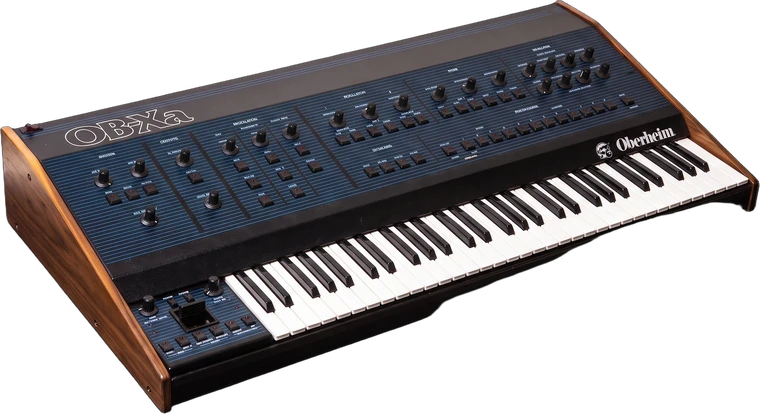
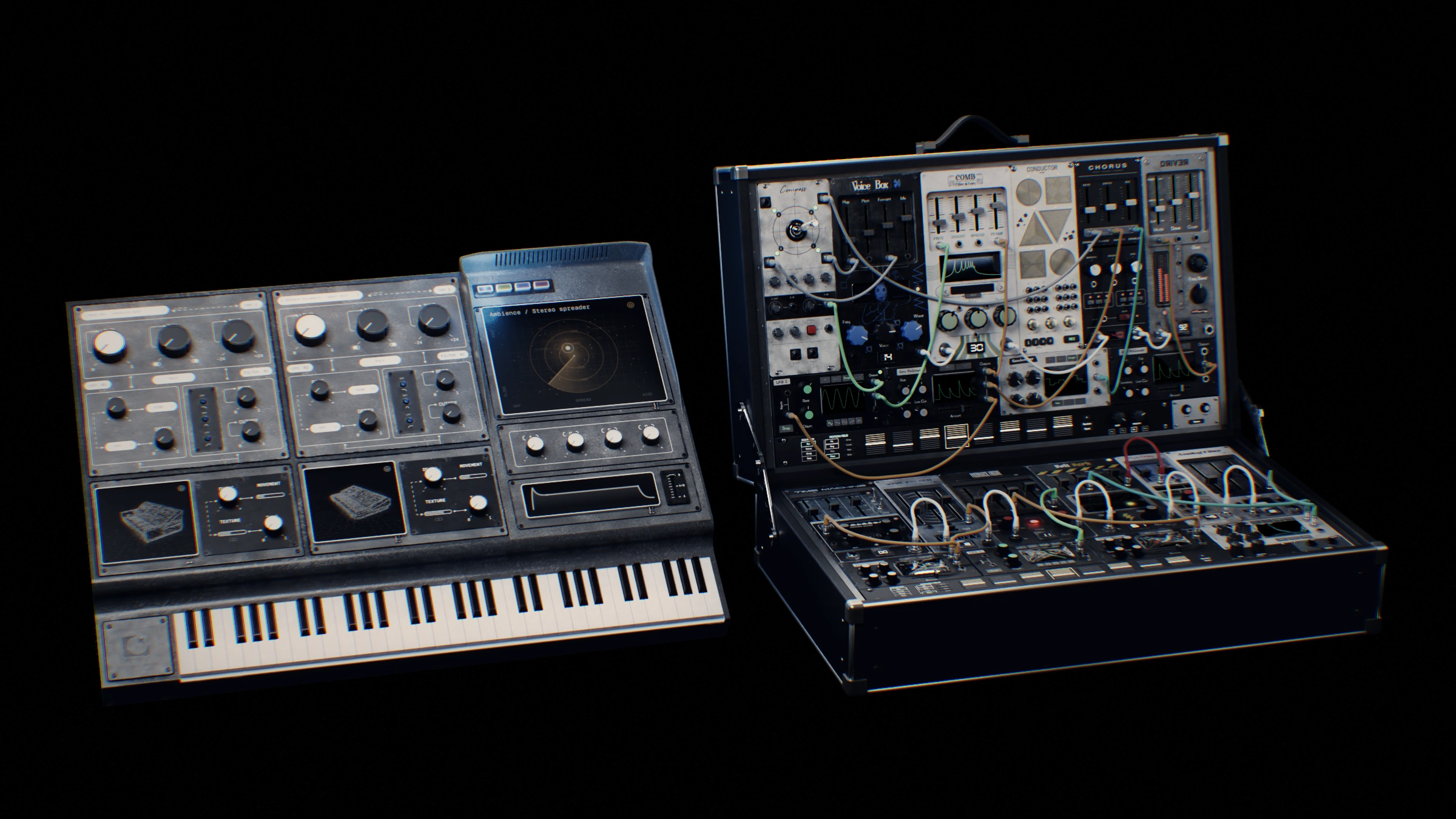
Not modelled, not emulated. Rare analog synths, sampled note by note and built into one instrument.
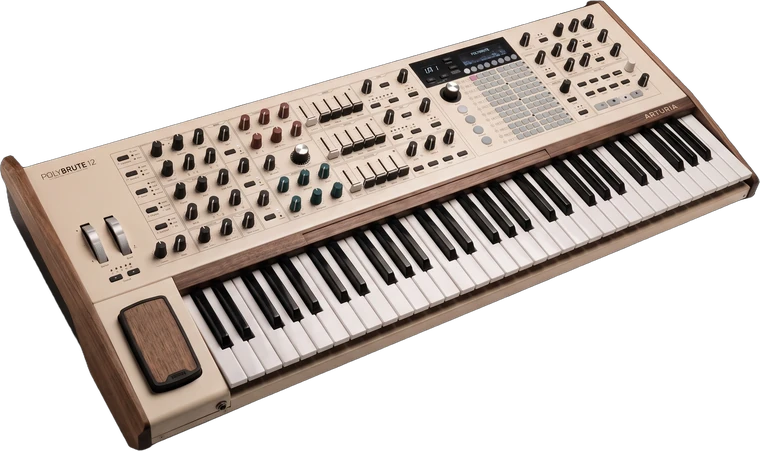
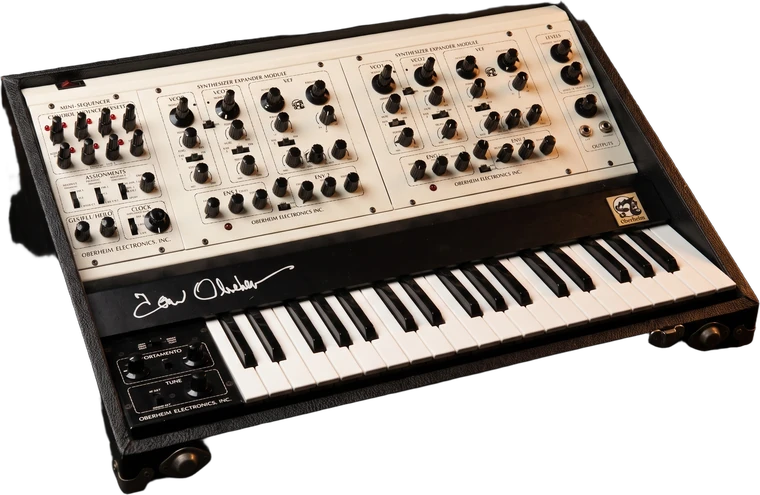
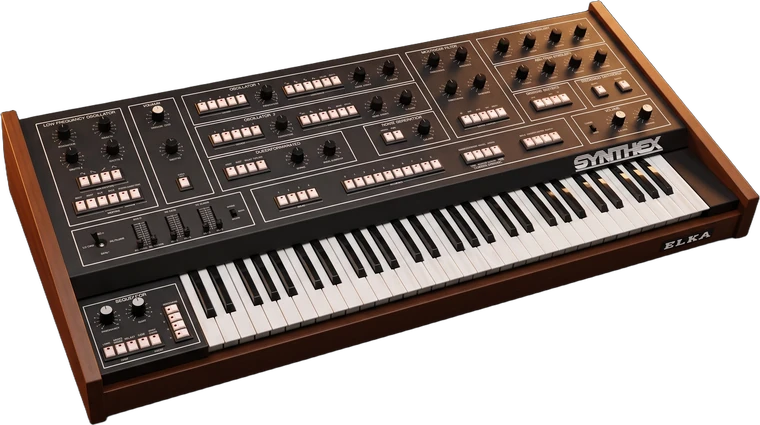
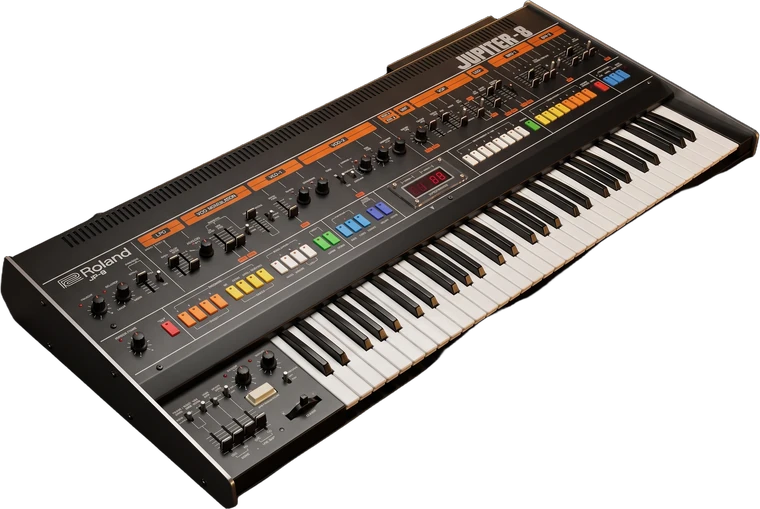
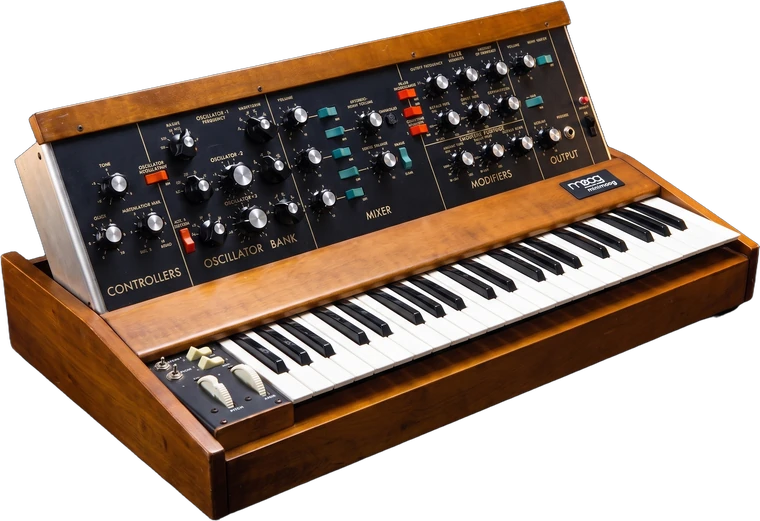
Why Archetone
Start with real hardware recordings, then make them your own.

Blend Drift, Movement, Texture and Tone. Drop in your own sound to extract its character, too.

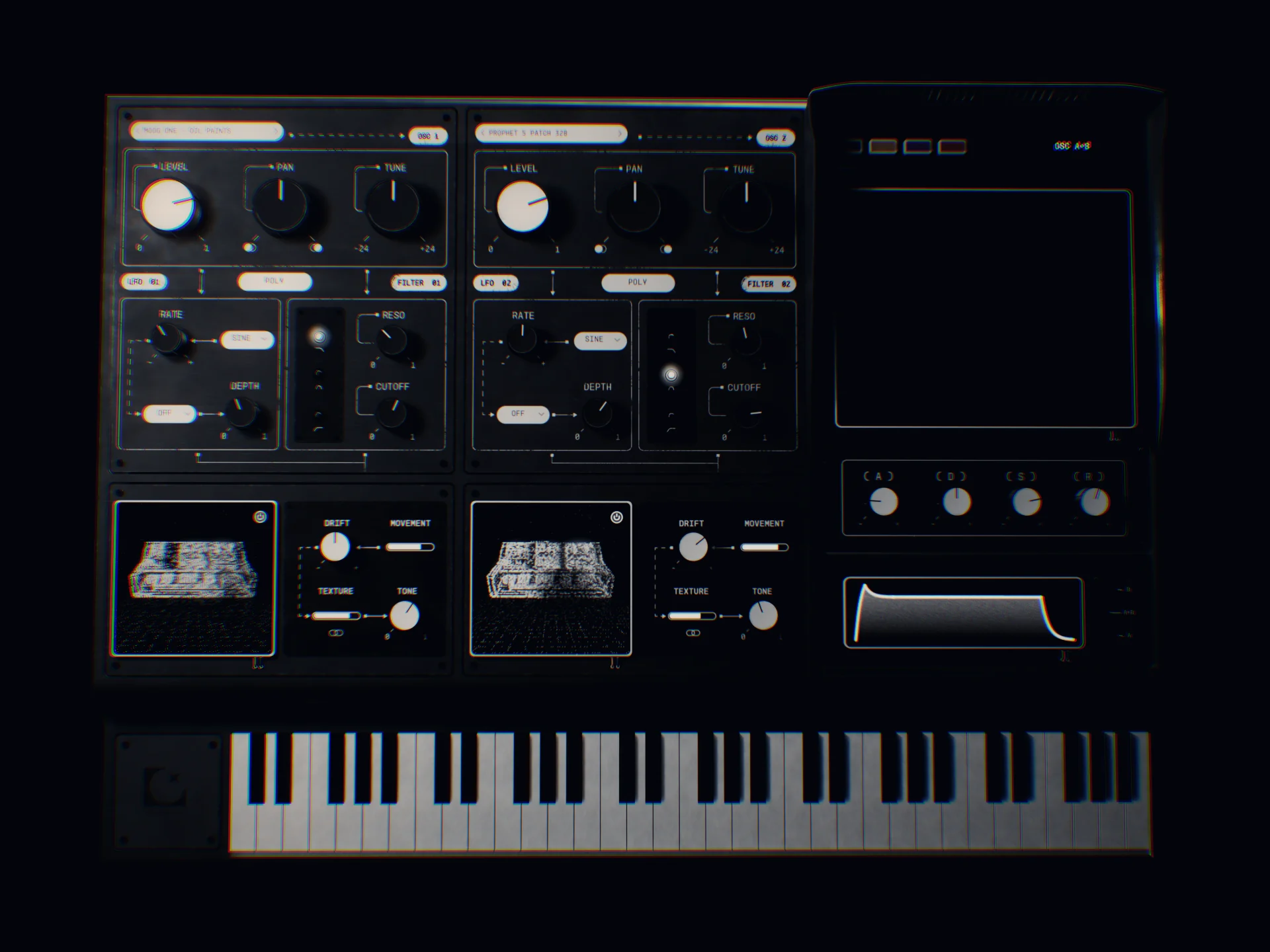
Load a different hardware sound into each oscillator. Mix them into something new.

Drag across the XY pad to control several parameters at once. Record your movements in your DAW.
Why Archetone
There are plenty of sample synths. This is the one built from real hardware, and made to turn it into something new.
Scroll
01 · Character extraction
Archetone extracts character from its own recorded synth sounds. Blend four traits — Drift, Movement, Texture and Tone — to shape the result. As a bonus, drop in any sound to extract its properties and mix them into the synth.
02 · Two sample oscillators
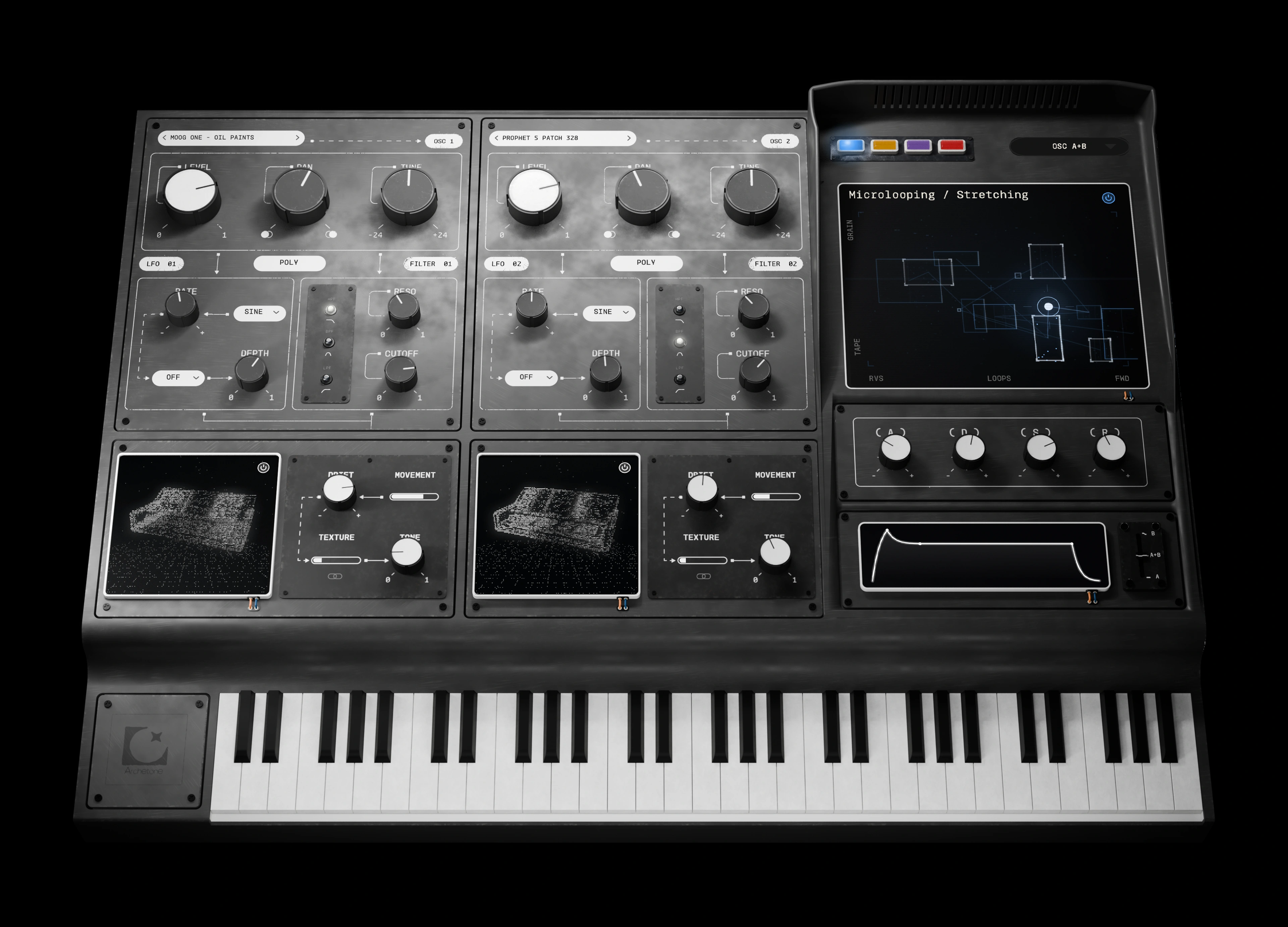
Load any recorded synth onto oscillator one, another onto oscillator two, and combine them. A Moog One pad with a Prophet-5 edge: a synth that has never existed, made from ones that do.
03 · Four-way XY pad
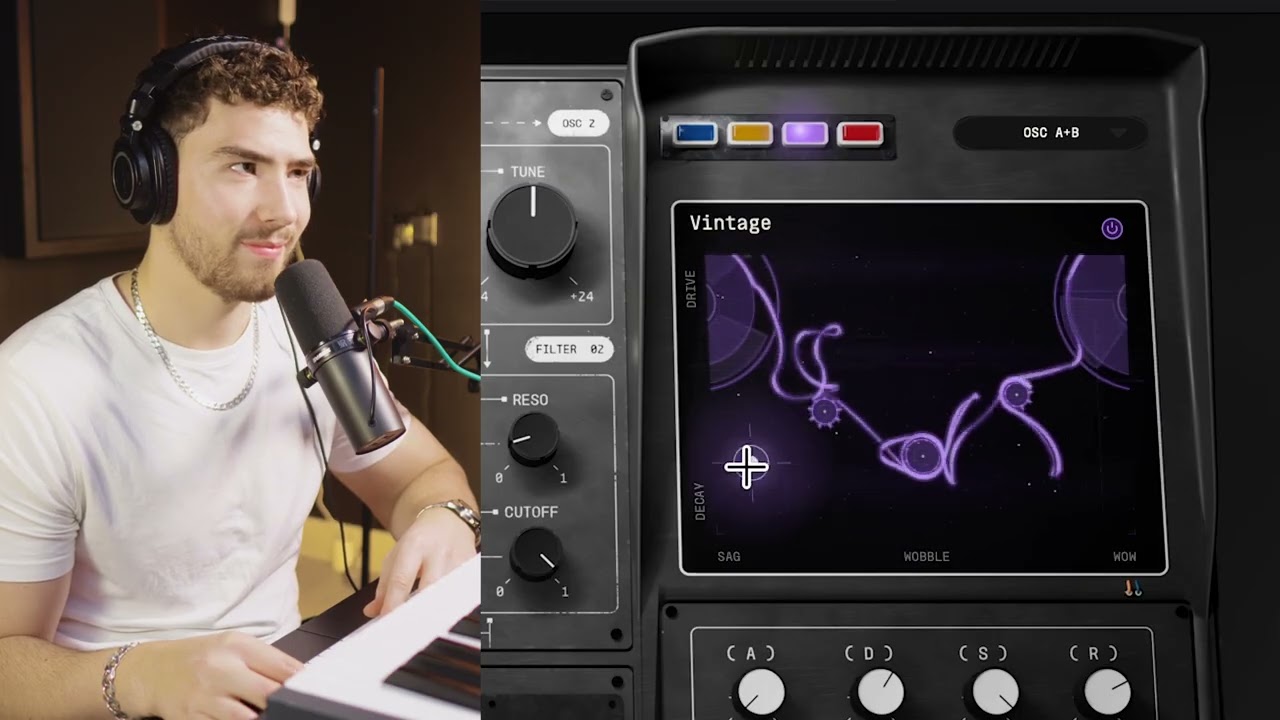
Explore four distinct modes: Microlooping, Ambience, Vintage and Erosion. Each gives you a different way to reshape your sound, with multiple controls responding to every move across the pad.
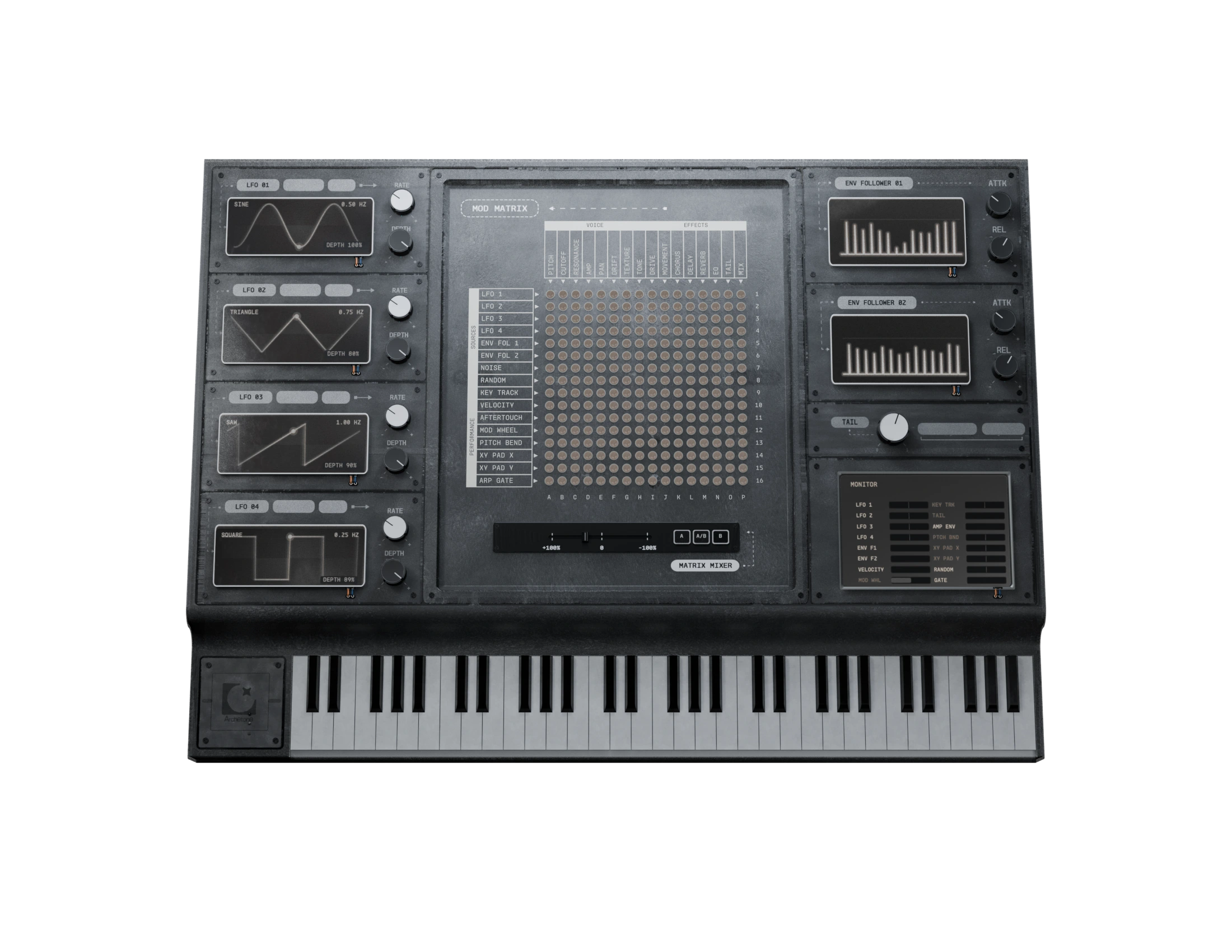
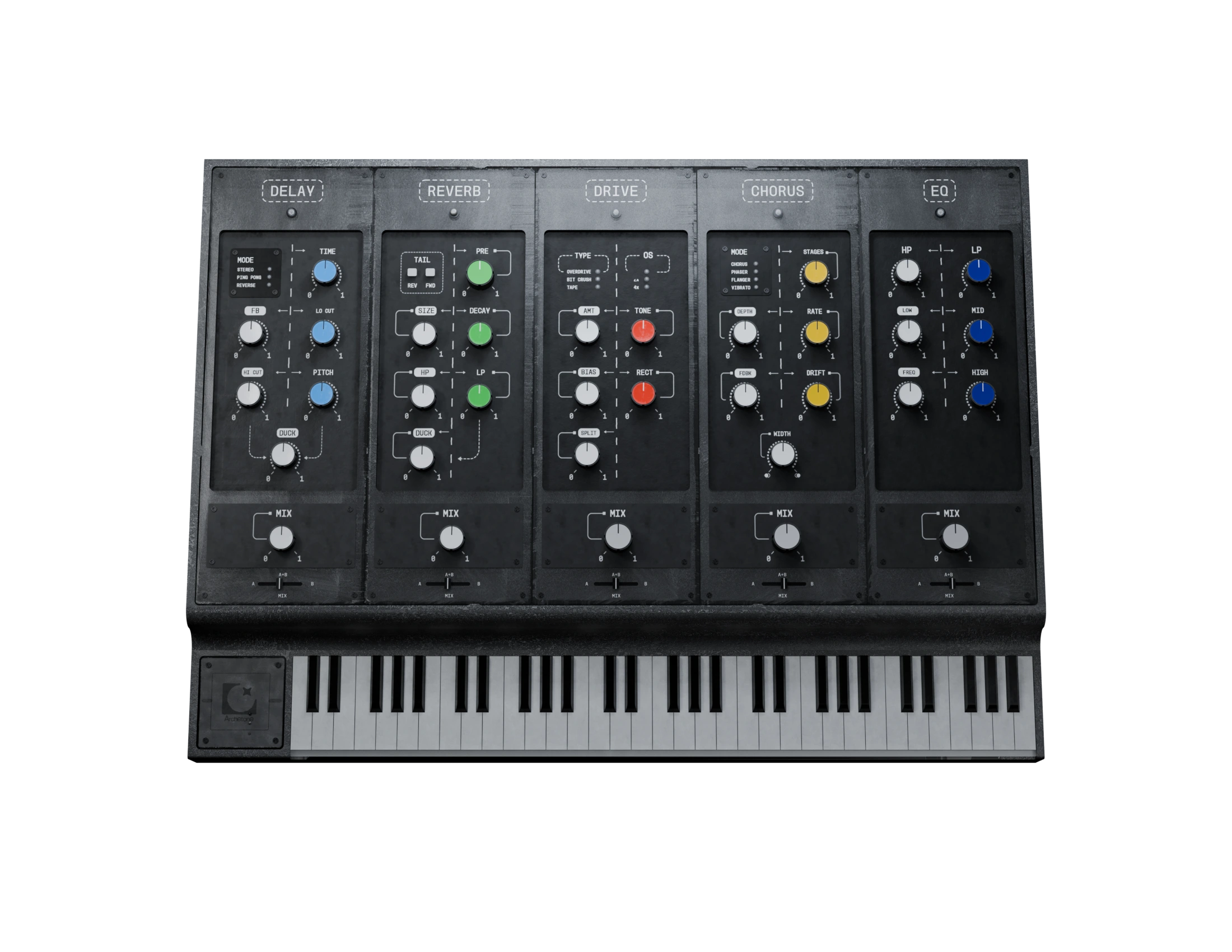
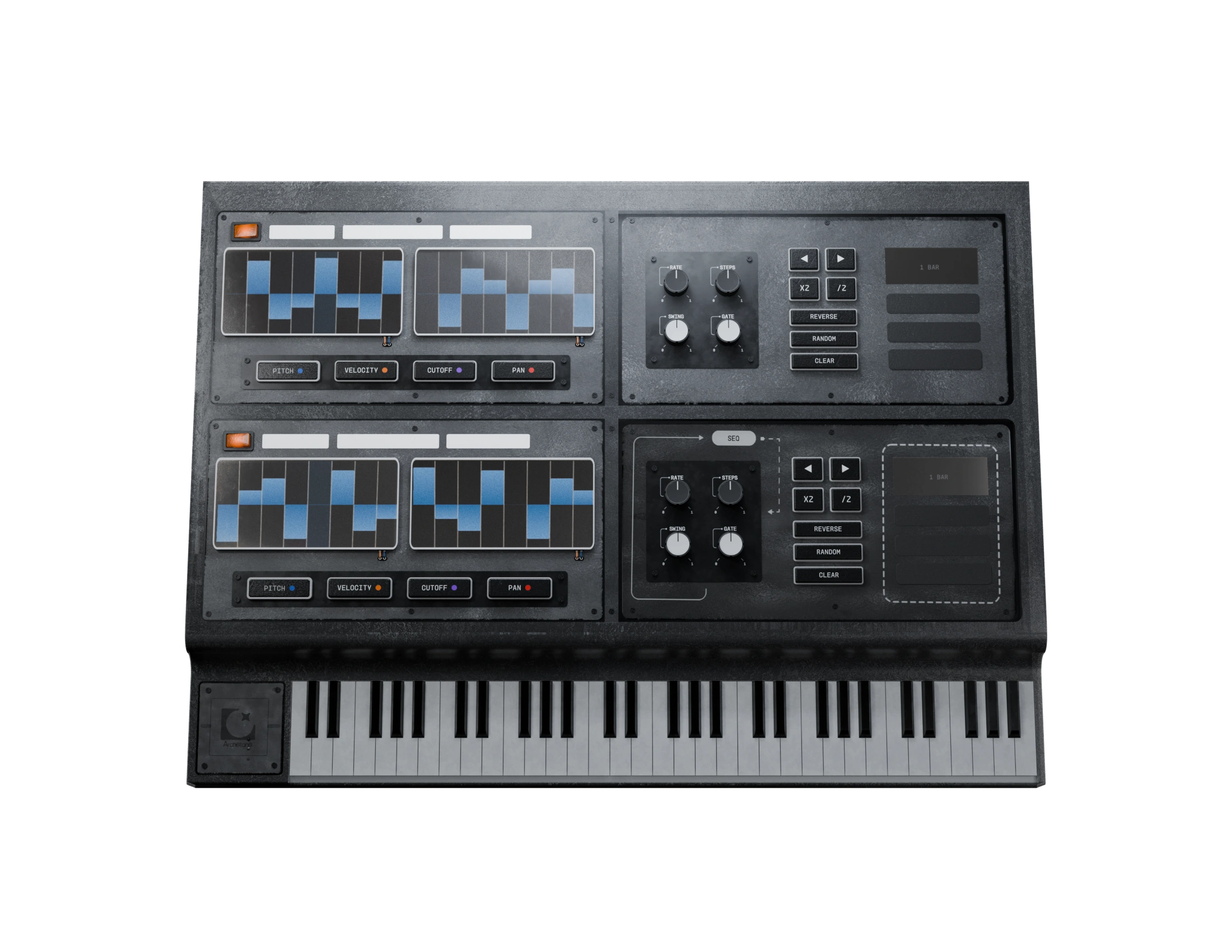
Three dedicated pages. One instrument. Add movement with the mod matrix, build patterns with the arp and sequencer, and finish your sound with effects.
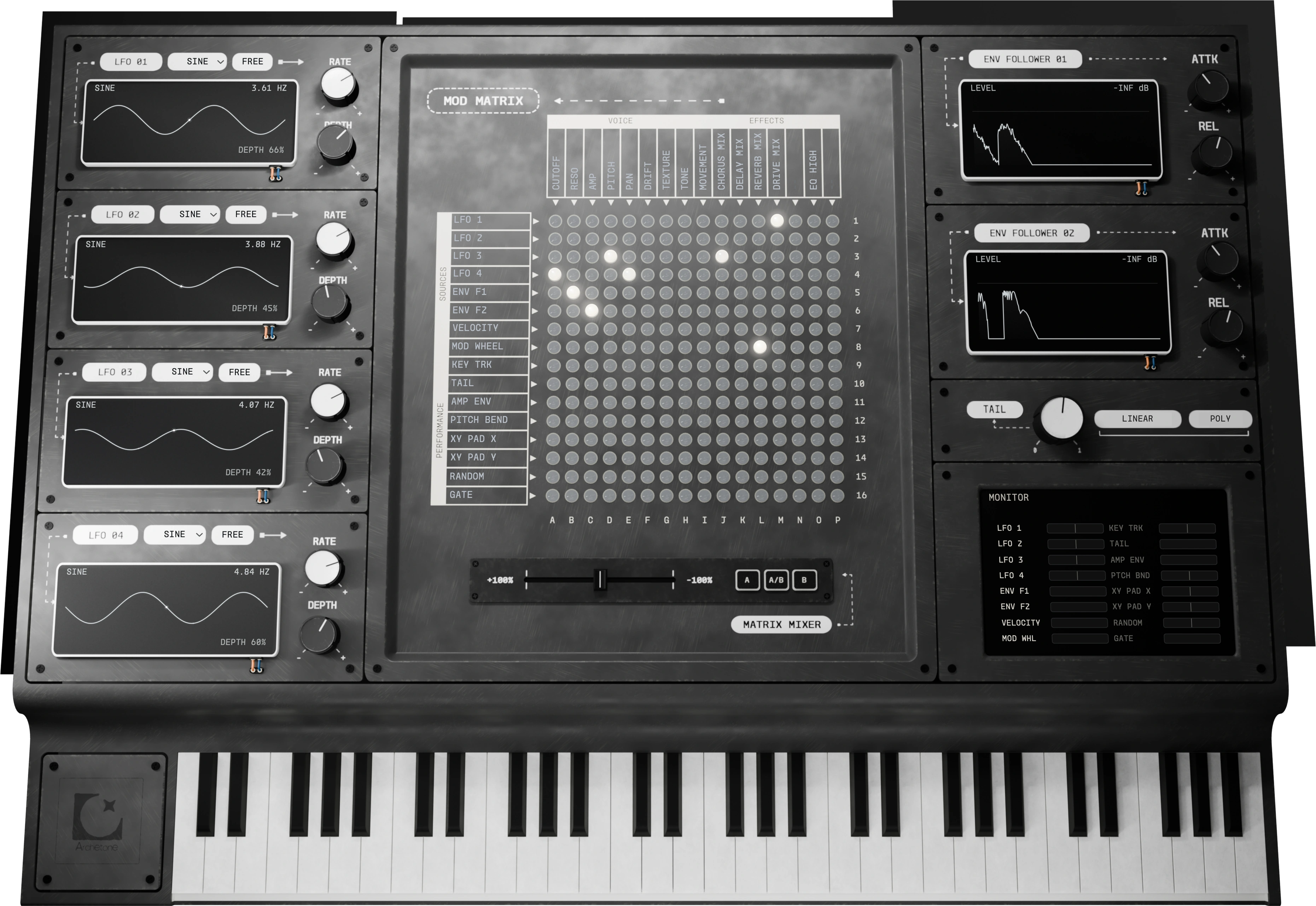
Page 01 · Mod matrix
Four LFOs, two envelope followers and a pin matrix. Pick a source, pick a destination, light the pin, and see every route at a glance.
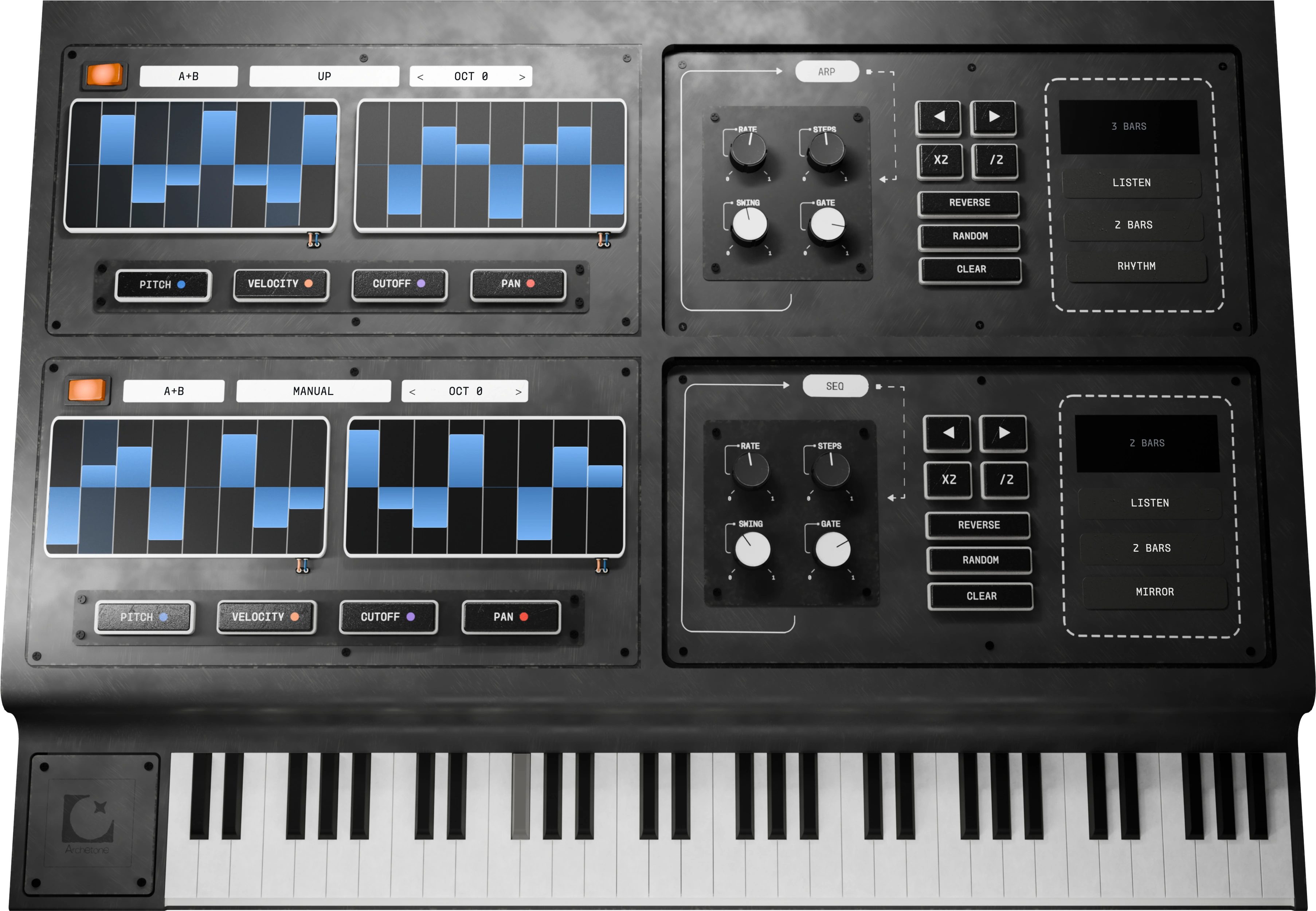
Page 02 · Arp & sequencer
An arpeggiator and a step sequencer for each oscillator, with lanes for pitch, velocity, cutoff and pan. Hold a chord and it starts moving.
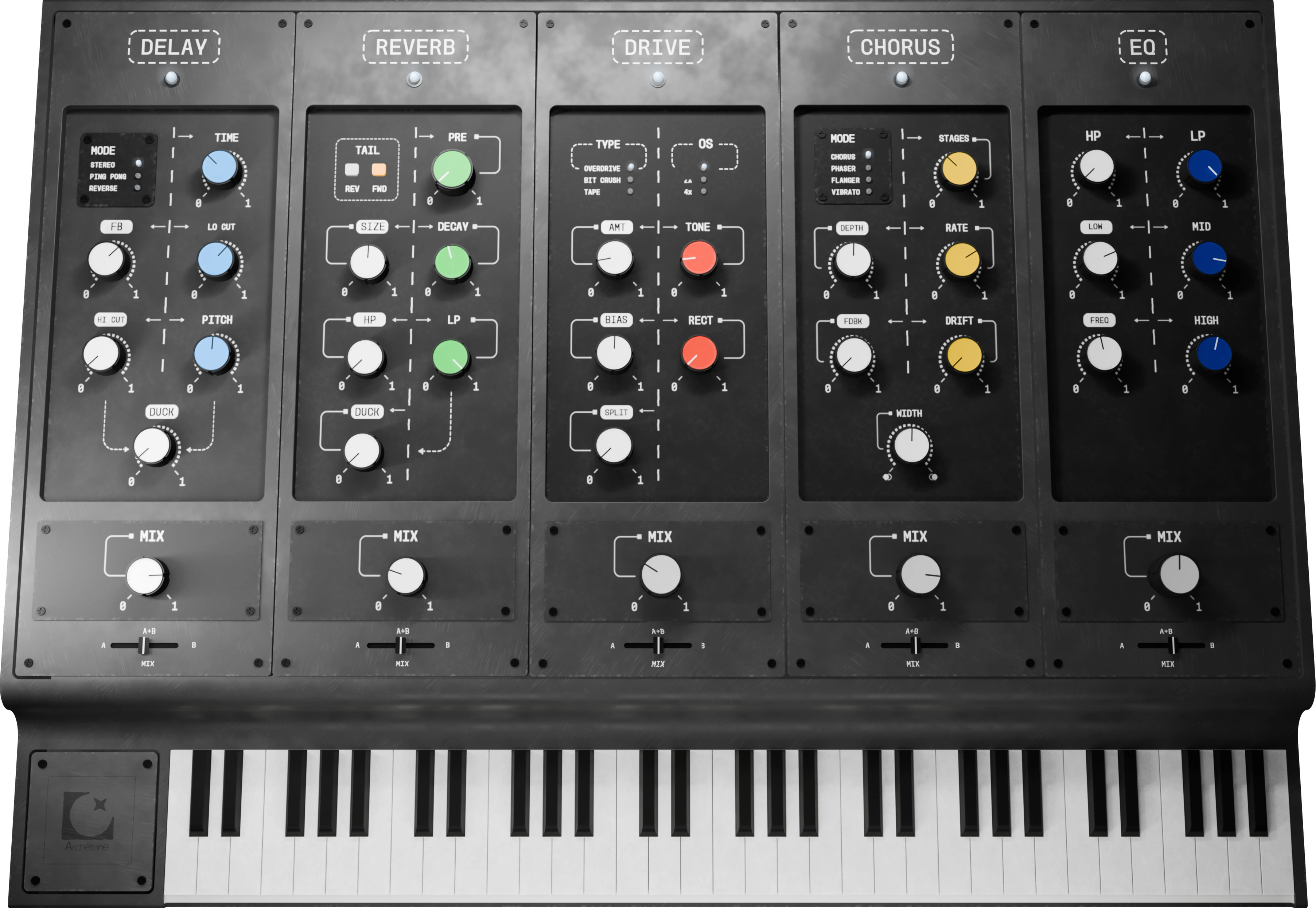
Page 03 · Effects
Delay, reverb, drive, chorus and EQ as channel strips on a desk. Switch them in and drag them into any order.
Browse by category, audition as you scroll.
One button for a new starting point.
Cutoff and LFO rate follow the note you play.
New preset packs as we record more hardware.
Testimonials
Early reactions from the Archetone community.
Dxnnywys
Community feedback
Haha yeah i was working all weekend just cooking up and experimenting you guys definitely made a beast of a plugin
Try it
Mix and patch different presets from the real plugin together to hear how it actually sounds in your DAW
350+ factory presets included.
Four recordings per part. Swap sounds while the loop plays, or mute a part to hear how they fit together.
Get Archetone
Archetone
20% off with ARC1WEEK20
The complete instrument, with built-in effects.
Archetone + 
20% off with ARC1WEEK20
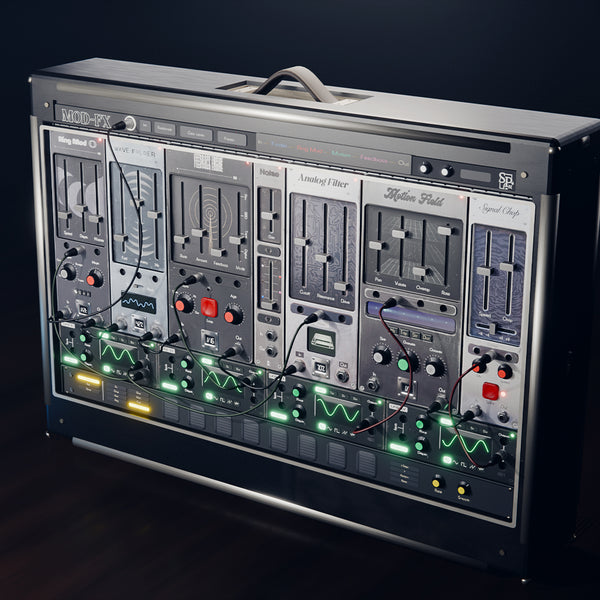
Add MOD-FX for $25 more.
Synth Palace · 2023 to now
From our first sound libraries to our own plugins, every release has brought us closer to the hardware. Archetone is the next step.
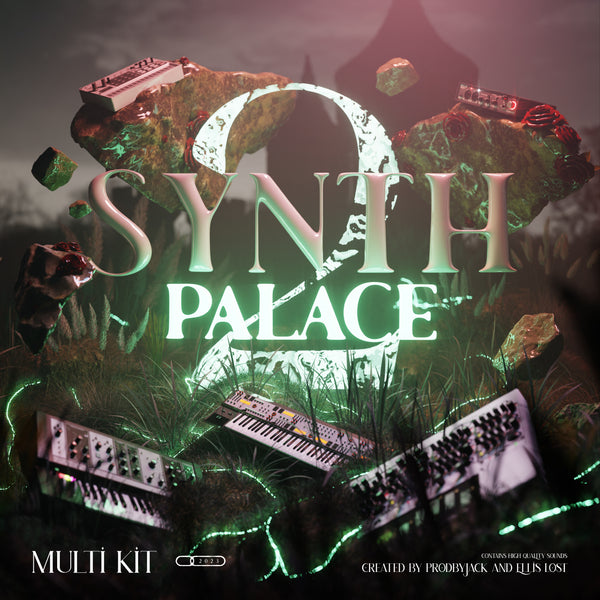
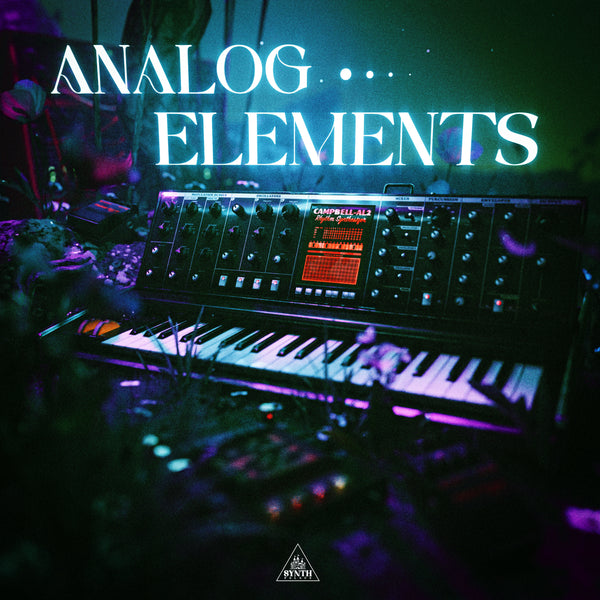
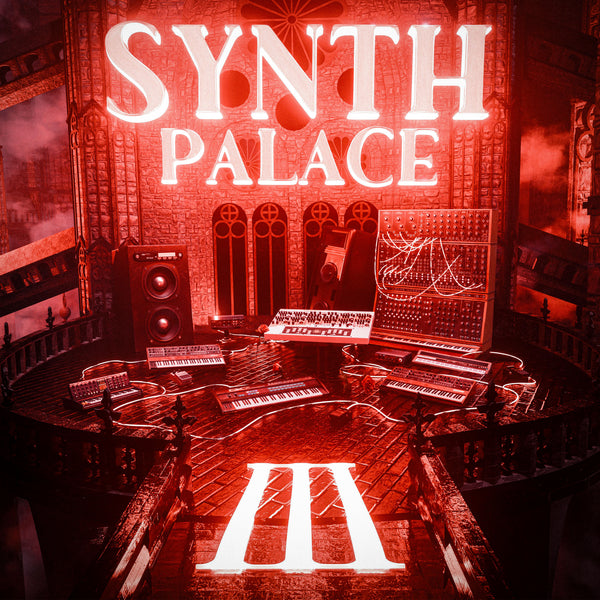
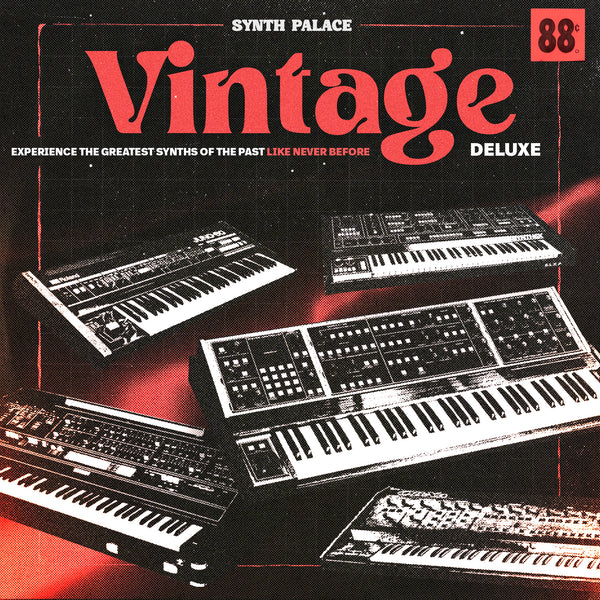
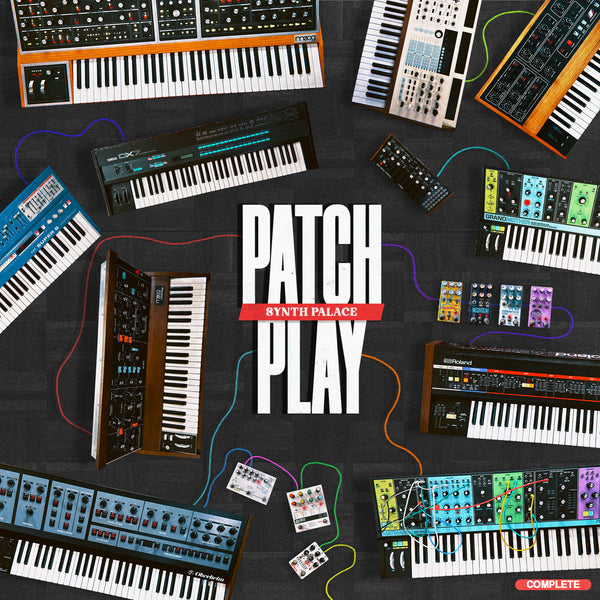
The next chapter.
Questions
Both, in the way that matters. It's a dual-oscillator synth whose sources are multi-sampled recordings of real hardware, with a synth's controls to shape them: filters, LFOs, envelopes, a mod matrix, an arp and sequencer, and effects.
Any DAW that loads VST3 or AU: Ableton Live, FL Studio, Logic, Studio One, Cubase and more. VST3 runs on Mac and Windows, AU on Mac.
Yes. Import your own sound into Rebirth to extract its character and apply it to Archetone’s recorded hardware sounds. This shapes the sound’s character rather than replacing the oscillator’s sound source.
Yes. Build your own sounds using Archetone’s sound sources, Rebirth, modulation and effects, then save them as your own presets to recall in future sessions.
CPU use depends on the preset, how many notes you play at once, the effects you use and your computer. More complex patches and multiple instances need more processing power. If a project gets busy, freezing or bouncing tracks in your DAW can free up CPU.
Two. Each licence activates on 2 devices, so your studio machine and your laptop are both covered, Mac or Windows.
About 12.1 GB in total: an 11.4 GB sample library plus the plugin installer. You can store the library in a folder of your choice, including on an external drive, to save space on your computer. Just select its location in Archetone’s Sample Library menu.
Your download links and licence key will be available on the order-confirmation page after purchase. We’ll also send them to the email address you use at checkout.
If you’re not happy after 7 days with Archetone, we offer a refund.
Compatibility
macOS 10.13 or later
Intel & Apple Silicon · 64-bit
AU & VST3
Windows 10 or 11
64-bit (x64)
VST3
A compatible DAW is required. Internet access is needed for download and initial activation.
The 11.4 GB sample library can be stored on your computer or an external drive. Keep that drive connected while using Archetone.